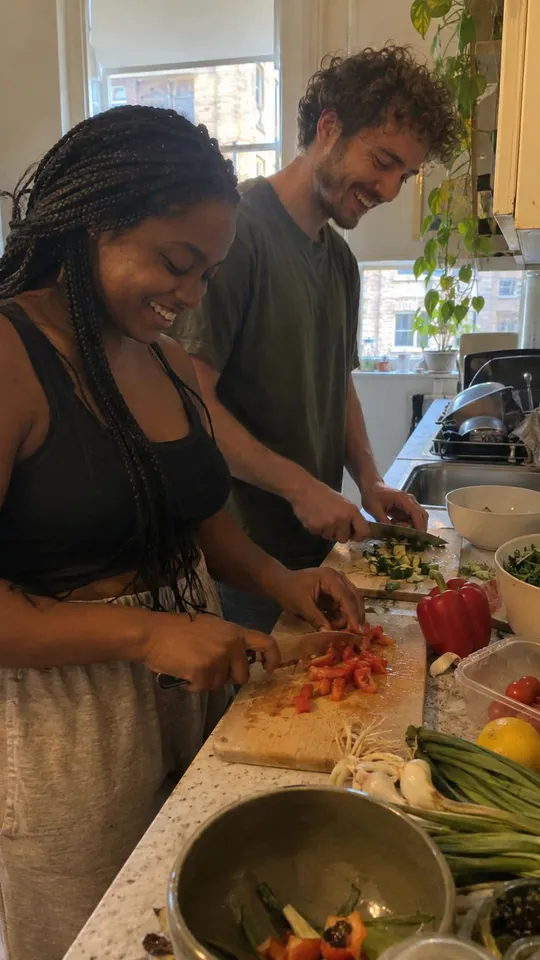
 31.7k views · 4.6k likesFeb 24



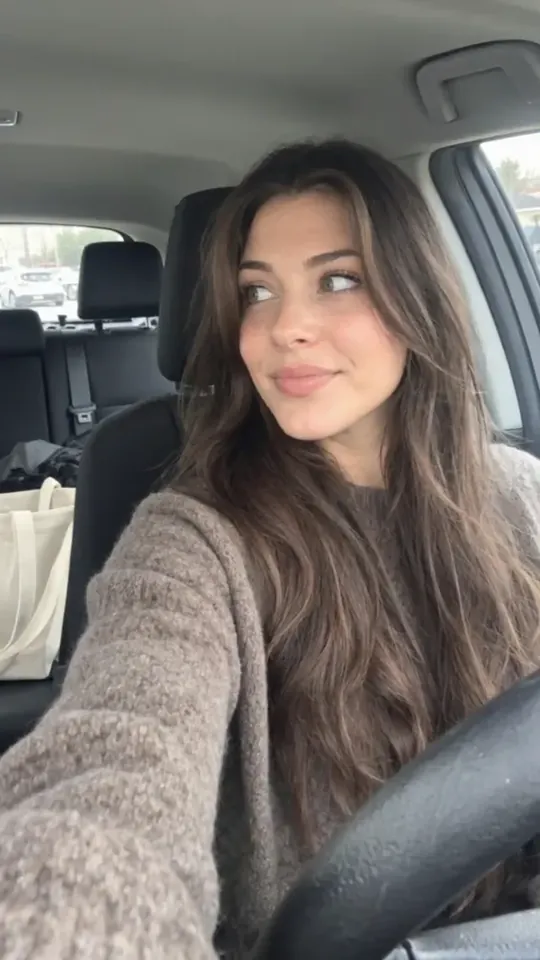
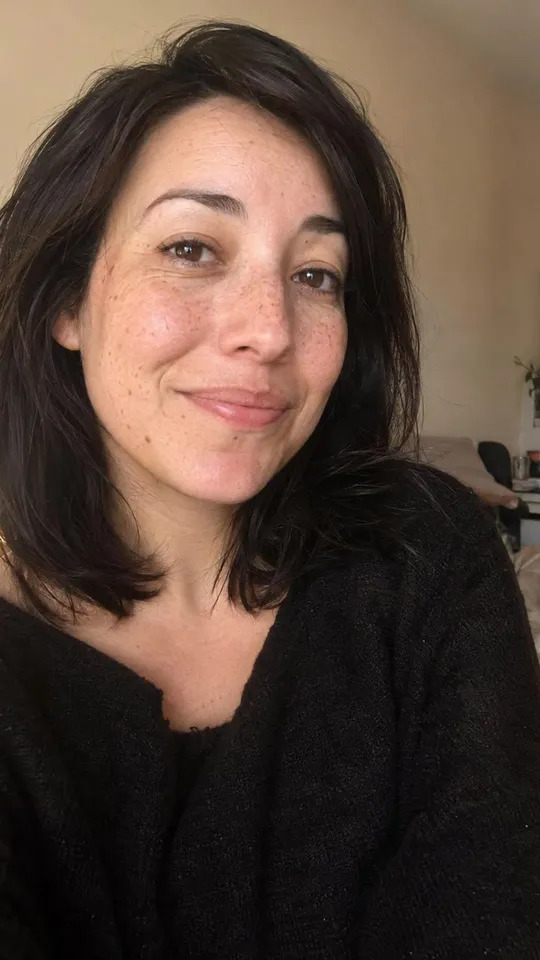
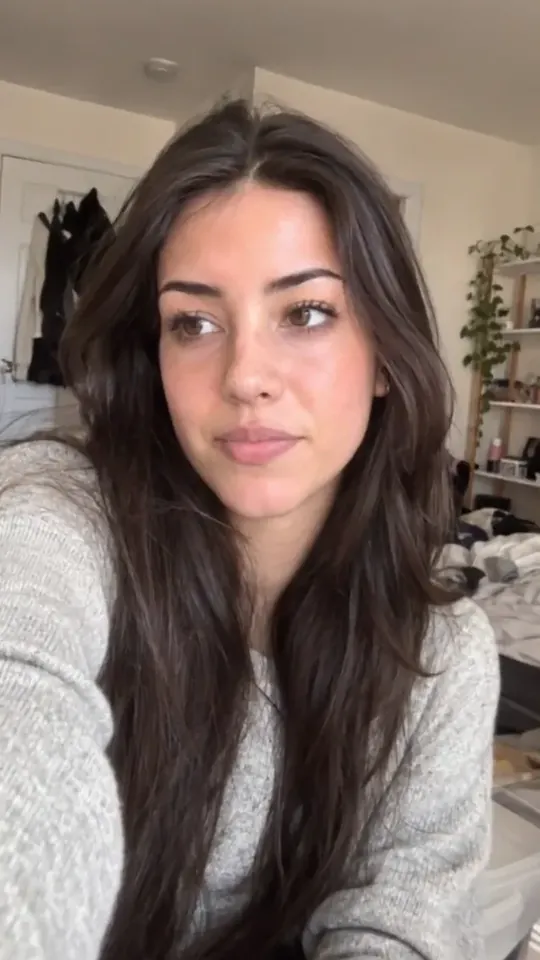


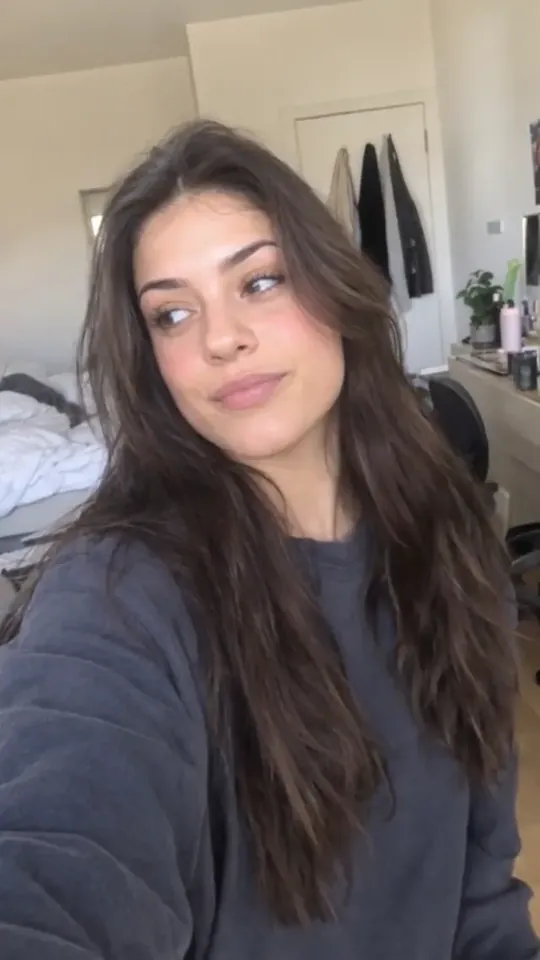


What to post for your app with no audience and no footage
Start with three kinds of post that need no followers and no filming: a wall of text (bold words over a simple moving background), a slideshow of photos and screenshots, and a demo cut from a screen recording or the preview video you already made for your App Store listing. Write about a moment in your user's day rather than about your features, post a few times a week to your own accounts, and keep making more of whatever gets the most response.
A new account starts on the same footing
TikTok, Instagram Reels and YouTube Shorts show posts to people who do not follow you. A first post from a new account is judged on how its first viewers react, so having no audience is not the problem it is elsewhere. What you need is something worth stopping for, posted often enough to learn what that is.
How to market your app on TikTok, Instagram and YouTube Shorts
A wall of text: a thought your user recognises
A wall of text is a short video of bold words over a simple moving background - a street, a kitchen, a desk, hands on a phone. The words do the work: a small confession, a frustration, a truth your user has thought but not said. It takes minutes to make and needs no footage of your own.
Keep it to one idea, short enough to read before the background loops, and written the way your user talks. The app does not need to appear at all; a wall of text earns attention for the account, and the next post can show the app.
A slideshow from photos and screenshots
A slideshow tells a small story in a few still pictures: the problem, the moment it gets worse, the turn, and the moment your app helps. Ordinary photos that match each slide's words - a person, a room, a screen - work better than polished stock, and a screenshot of your app belongs at the turn, not on the first slide.
TikTok and Instagram both take slideshows as their own kind of post. YouTube Shorts takes video only, so a slideshow goes to TikTok and Instagram.
A demo from footage you already have
You already have footage of your app, even if you have never filmed anything. Your phone records its own screen: on an iPhone, Screen Recording is in Control Center, and most Android phones have a screen recorder in Quick Settings. The preview video on your App Store listing and the video on your website are recordings of your app too.
On its own, a recording of an app rarely stops anyone. Put a short opening before it that names the viewer's problem, then cut to the one moment where the app solves it.
What to write about
Write about the moments in your user's day that your app touches, not about the app. Good places to find them: your own reviews, the low-star reviews of apps like yours (they list exactly what people wish worked), the questions people send your support inbox, and the posts in your category that already did well.
A useful test before you post: would this make sense from someone who had never heard of your app? If it would, it is about the viewer, and the app can arrive at the end.
A simple week to start with
Monday, a wall of text about a frustration your user has. Wednesday, a slideshow that tells the story of one bad moment and how it ends. Friday, a demo that opens on the same problem and shows the app fixing it. Post each one to every platform that takes it, on accounts you own.
At the end of the week, look at what each post got on each platform and make more of the kind that did best. After a few weeks you will know which kind of post, and which problem, your audience responds to - which no amount of planning would have told you.
Where Topped fits
You can do all of this with your phone's screen recorder, a free editor such as CapCut and each platform's own uploader. Topped does the making for you: when you sign up it reads your App Store listing or website, looks for the demo videos already there, and proposes posts as walls of text, slideshows and demo videos. When a For You draft is built on a real post that already worked, the card shows that post and the number it got. You approve it, it publishes to your own accounts, and the Scoreboard shows what each post got. There is a free plan with no card.
See it on your own app. Free to start, no card.
Start free