 31.7k views · 4.6k likesFeb 24
How to make a TikTok slideshow for your app
A TikTok slideshow for an app is a few photos with words on each, telling one small story: the problem, the moment it gets worse, the turn, and the moment your app helps. Put the opening line on the first slide, keep each slide to one short thought, use ordinary photos that match the words, and save your app's screenshot for the turn. Add a song when you post, and post the same slideshow to Instagram as a carousel; YouTube Shorts takes video only.
Why slideshows suit an app
A slideshow needs no filming and no editing timeline, so you can make several in the time one video takes. The viewer swipes at their own pace, which suits a story with a turn in it - and the turn is where your app comes in.
TikTok treats a slideshow as its own kind of post, a photo post, and photo posts appear in the For You feed alongside videos.
The story: problem, worse, turn, help
Most slideshows that work for an app follow the same arc. The first slide names a problem the viewer has. The next slides make it specific - the exact moment it bites, the thing they have already tried. Then the turn: what changed. The last slides show the moment your app helps, or the result.
Use as few slides as the story needs. TikTok and Instagram both take far more slides than an app story wants, and every extra slide is another chance to lose the viewer before the turn.
The first slide carries the opening line
The first slide decides whether anyone swipes. Put the opening line there, large, about the viewer rather than your app: a confession, a specific moment, a question. Your app's name and logo on the first slide is the most common way to lose people.
Pictures: people and places first, the app at the turn
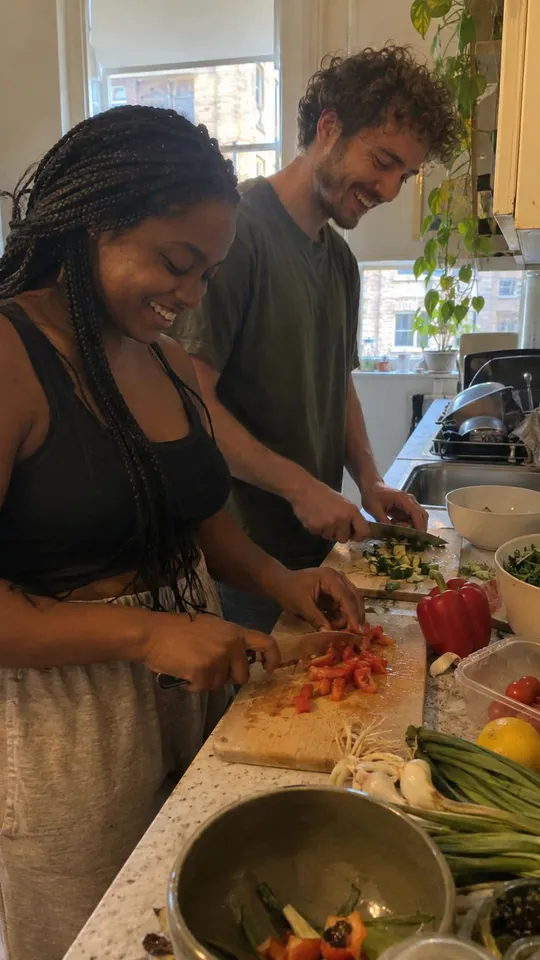
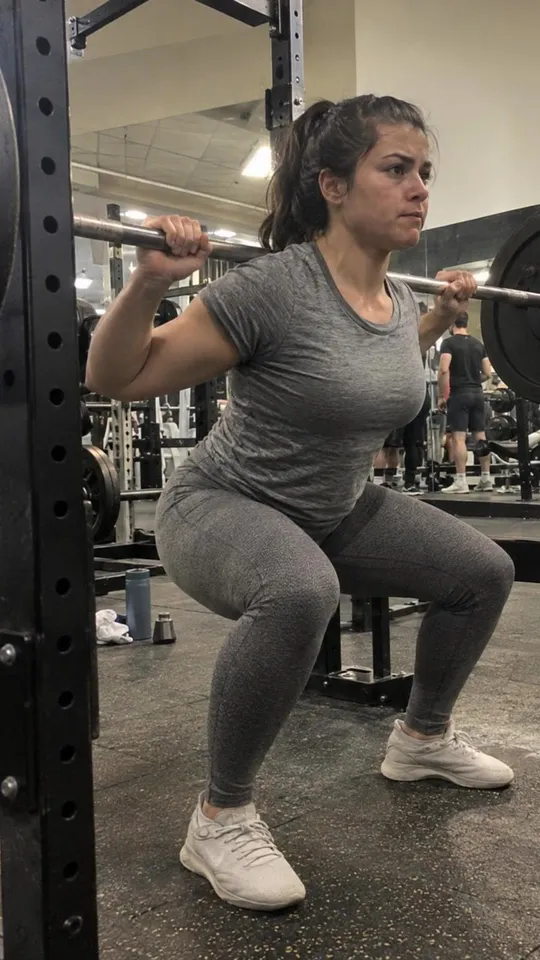
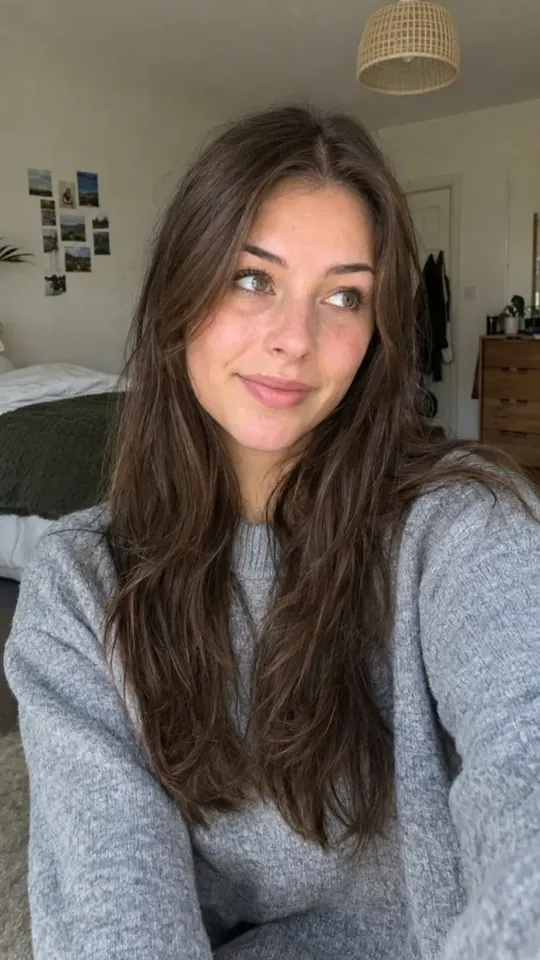
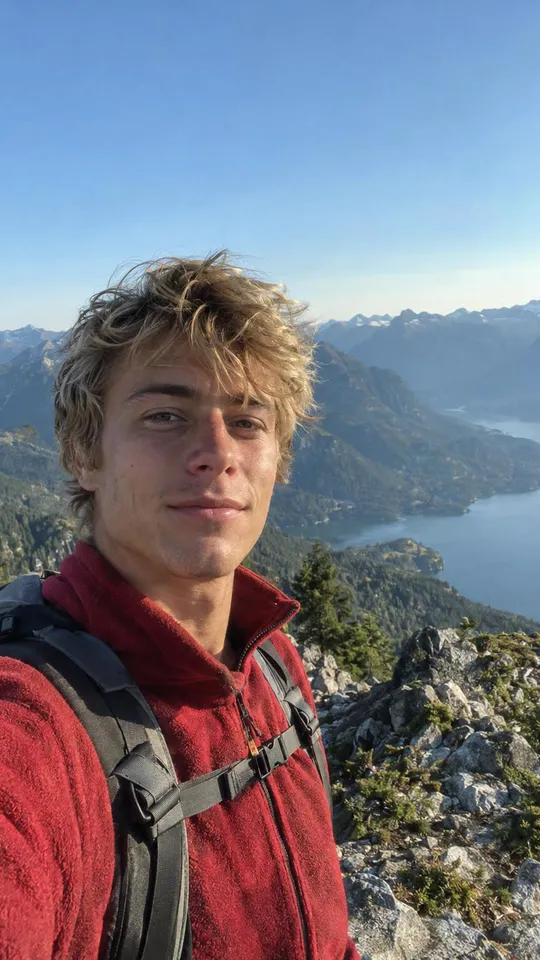
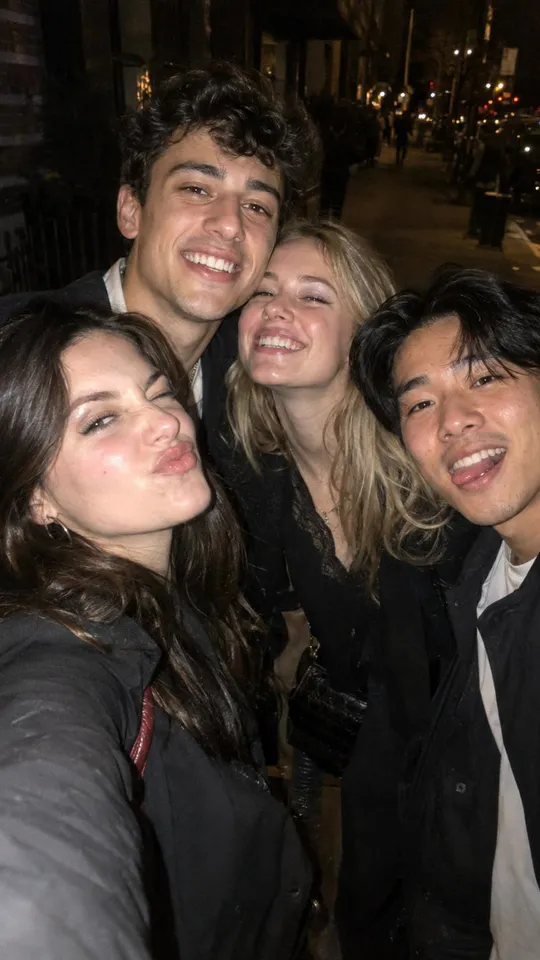
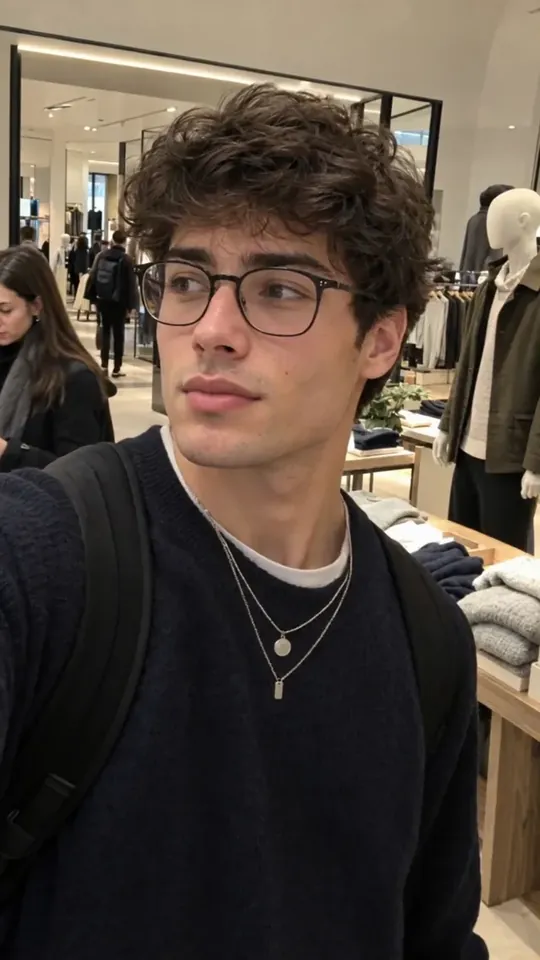
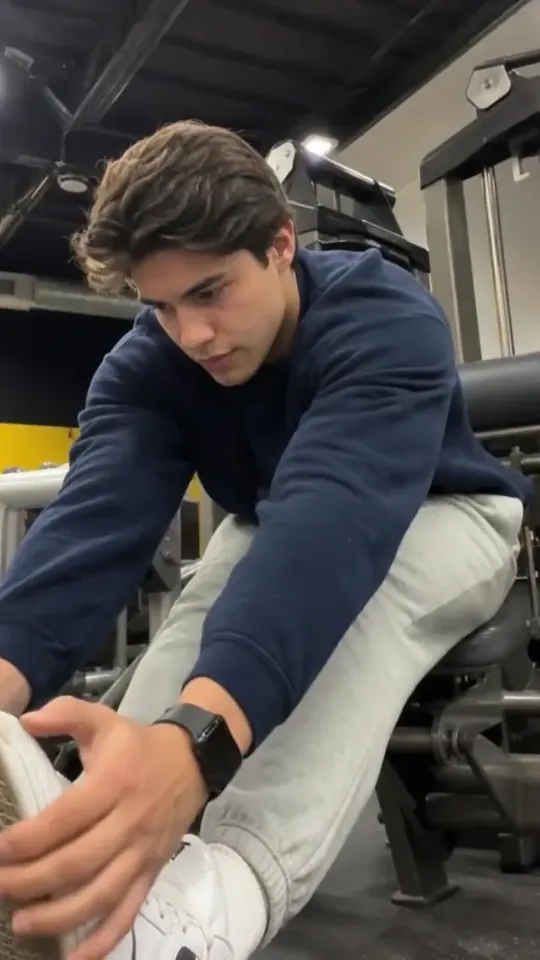
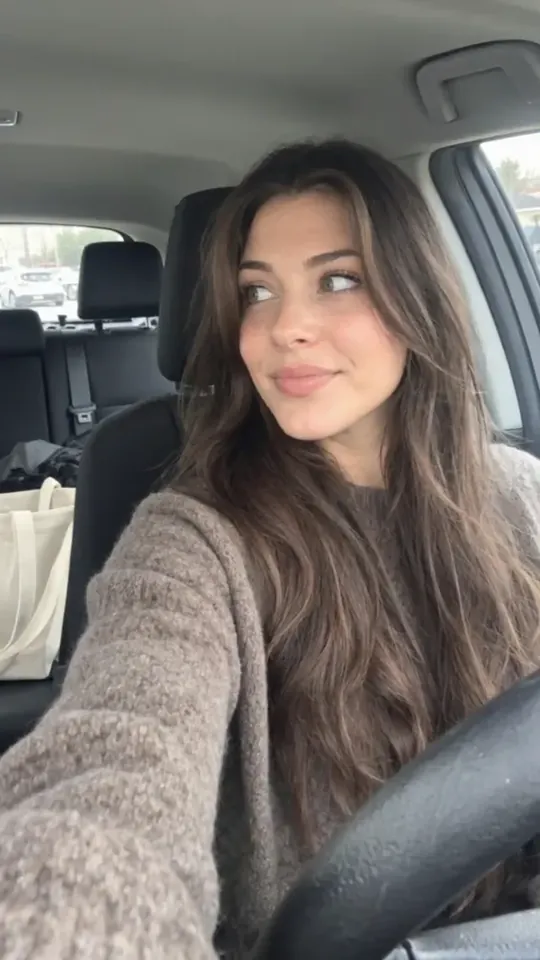
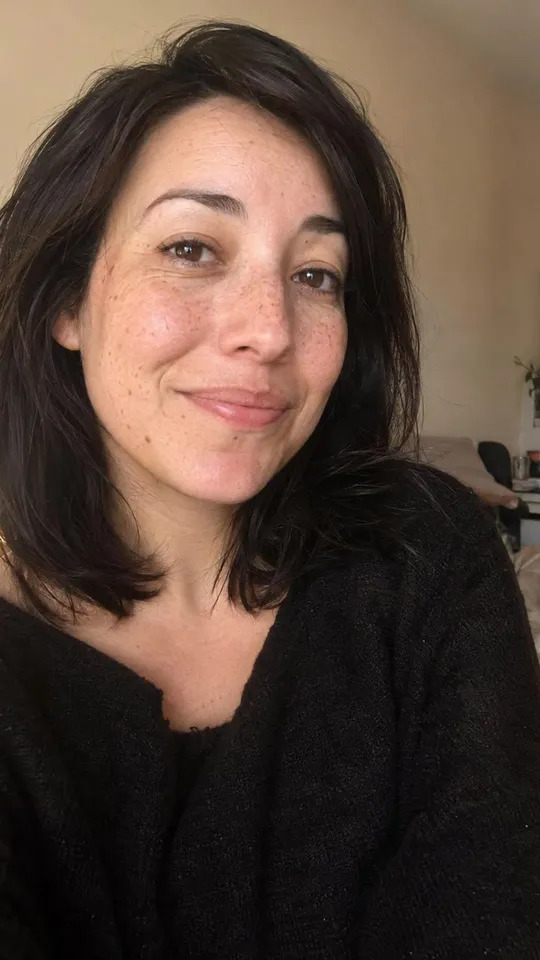
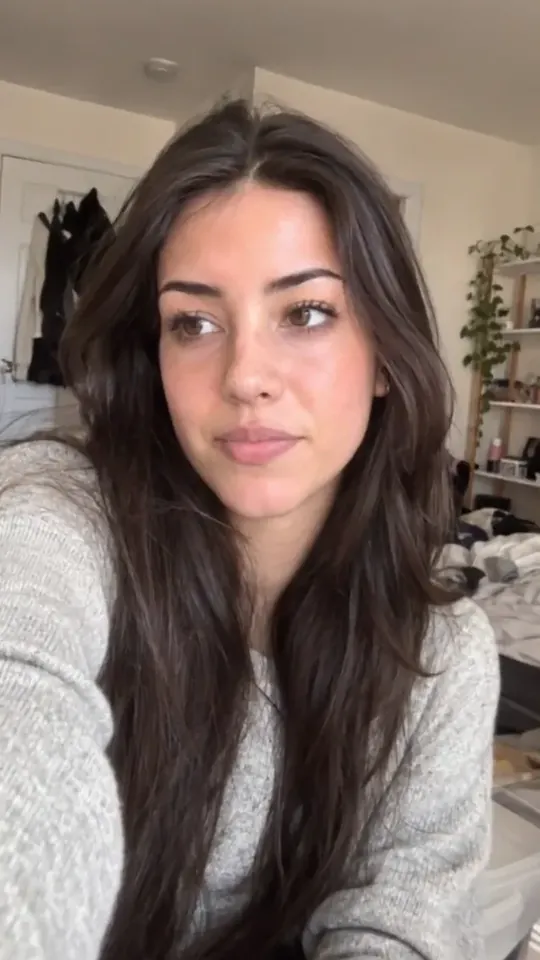
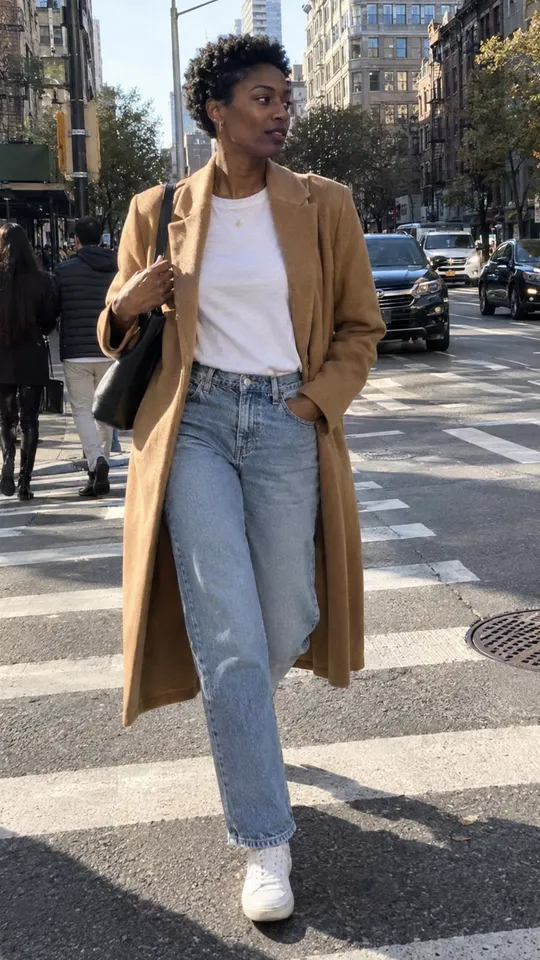
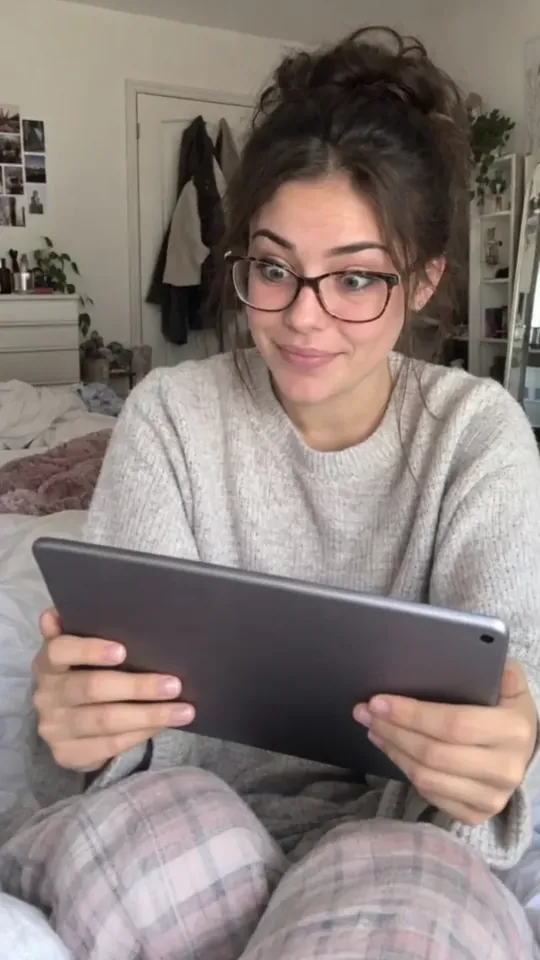
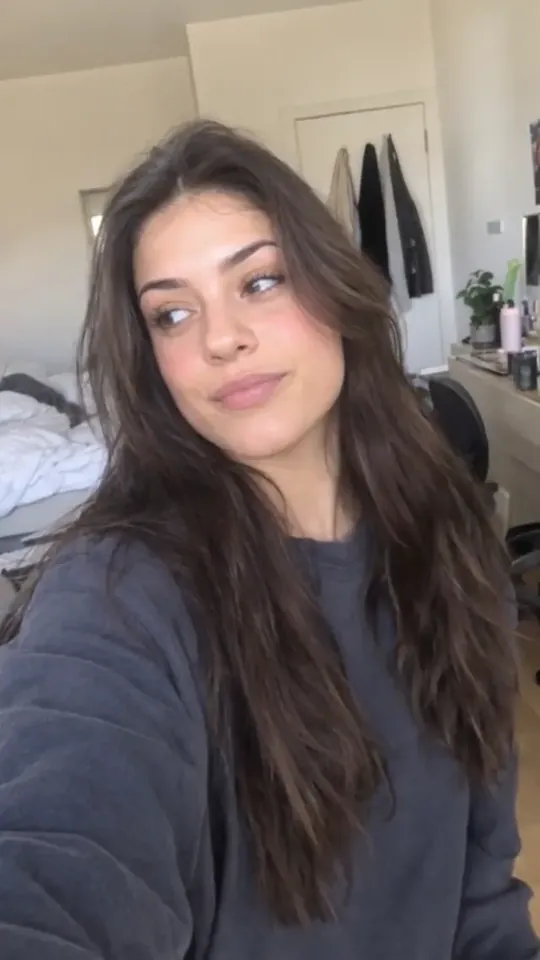
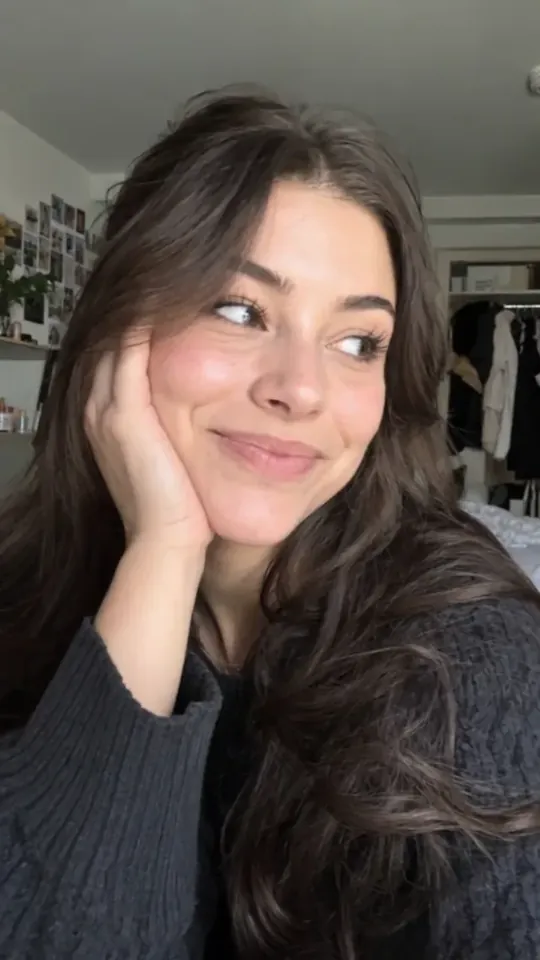
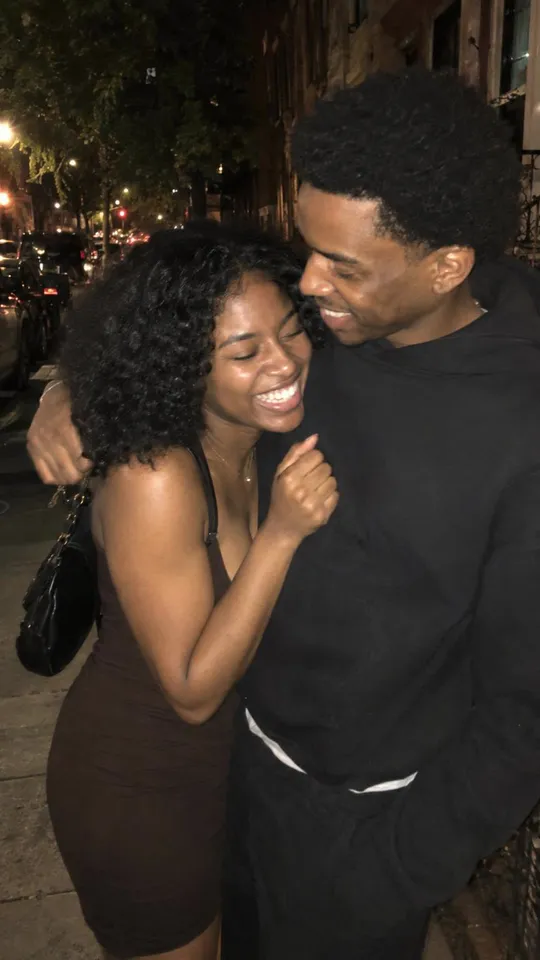
Pick a photo for each slide that matches its words: a person at the moment the slide describes, the room it happens in, the thing in their hands. Ordinary photos that look taken on a phone usually feel more like TikTok than polished stock, and the same person or place across the slides makes it read as one story.
A screenshot of your app belongs at the turn or the end, once the viewer cares about the problem. Crop it so the part that matters fills the slide.
If any picture is made with AI and looks real - especially a realistic person - TikTok asks you to label the post as AI-generated.
Do you have to label AI content on TikTok, Instagram and YouTube?
Words on each slide
One short thought per slide, in large type with an outline or a band behind it so it reads over any photo. Keep the words away from the edges and the bottom, where TikTok puts its buttons and your caption.
Write the way your user talks. If a slide needs a second sentence, it is probably two slides.
Music and caption
Add a song when you post: TikTok lets you put a sound on a photo post, and a slideshow with no sound feels unfinished. The caption can carry what the slides left out - a line about your app, a question for the comments - but the slides should work without it.
Where else to post it
Post the same slides to Instagram as a carousel; the audience is different, and one may suit your app better. YouTube Shorts takes video only, so a slideshow does not go there. Post a demo or a wall of text to Shorts instead.
Schedulers and other tools can post photo posts to TikTok for you through TikTok's own posting API, but not every tool supports them - check before you plan a slideshow week around one.
TikTok vs Instagram Reels vs YouTube Shorts for app founders
Where Topped fits
You can make a good slideshow with your phone's photos and TikTok's own editor, or CapCut. Topped makes them for you: it writes the words for each slide about your app's users, picks a photo for each slide from photo sets chosen for your Product, and, when a For You draft is built on a real post that already worked, shows that post and the number it got on the card. You edit any slide, approve it, and it publishes to your own TikTok and Instagram accounts. There is a free plan with no card.
See it on your own app. Free to start, no card.
Start free